
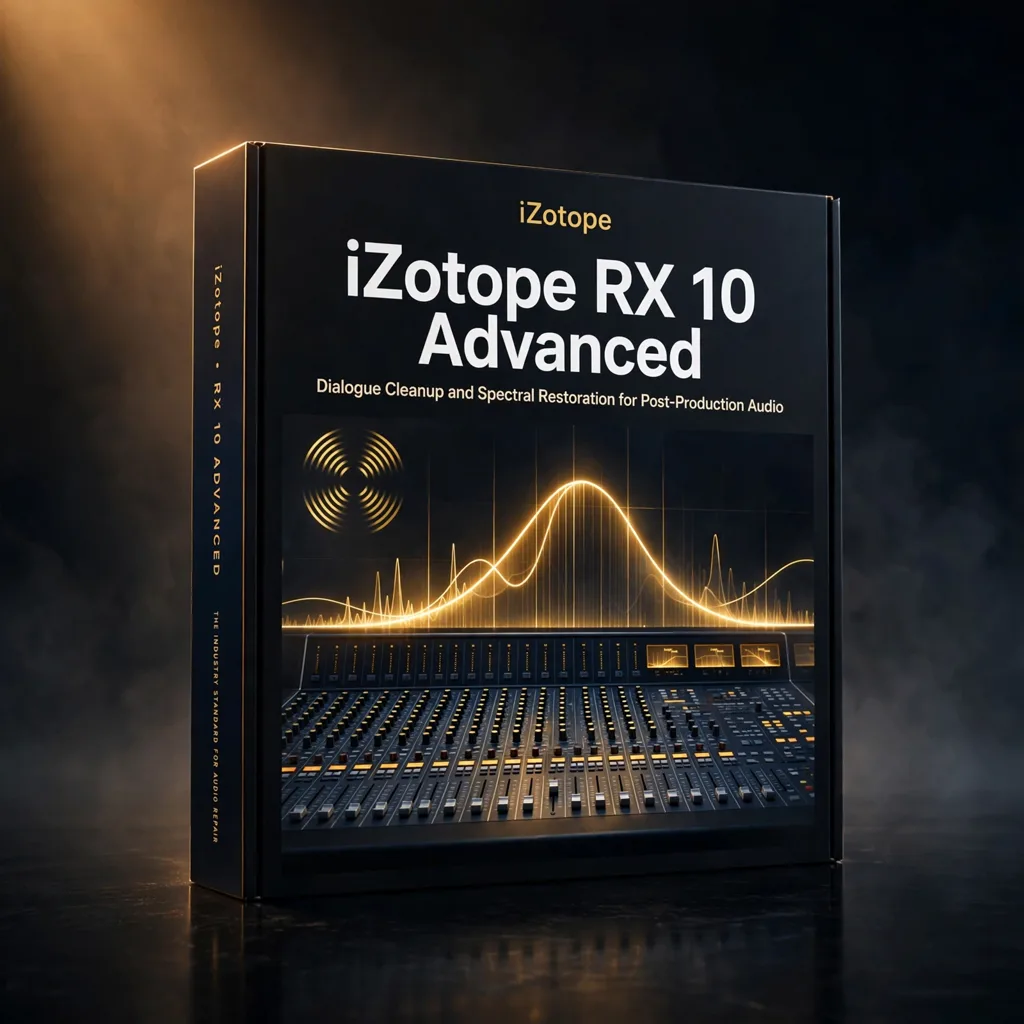

iZotope RX 10 Advanced – Dialogue Cleanup and Spectral Restoration for Post-Production Audio
€39.99
iZotope RX 10 Advanced is iZotope’s flagship audio repair suite for music and post-production, tackling hum, damaged dialogue and bandwidth-limited recordings. Advanced-only tools include Spectral Recovery, Text Navigation, Multiple Speaker Detection and a dynamic De-Hum mode.
Every composer who works to picture eventually inherits imperfect audio: a dialogue stem with mains hum running underneath it, a production recording captured over a low-bandwidth channel, a location track that cannot be re-shot and cannot be replaced. iZotope RX 10 Advanced exists for exactly those rescue jobs. It is the industry-leading audio repair software from iZotope, designed to address the most challenging audio problems in music and post-production, and trusted by top professionals to restore, clean and enhance recordings until they are fit to sit under a score. At KontaktLibrary we regard it as essential post-production infrastructure for anyone delivering finished audio to picture.
The Advanced Toolset, Problem by Problem
Dynamic De-Hum attacks unwanted hum and interference with a dynamic mode that removes the problem while eliminating artifacts and preserving the integrity of the underlying audio — important when the hum sits beneath a voice that must remain natural. Spectral Recovery reconstructs missing frequencies to restore clarity, and it is particularly beneficial for dialogue captured over low-bandwidth channels, where the top of the voice simply never arrived in the recording. Repair Assistant, in its enhanced form here, automatically detects common audio problems and suggests fixes, saving time while still leaving the engineer in control of the result. Together these tools cover the recurring triage list of post audio: electrical interference, damaged or thin dialogue, and the broad category of recordings that need diagnosis before they need treatment.
Two further Advanced features change how dialogue itself is handled. Text Navigation generates and displays transcriptions directly within the interface, so an editor can navigate a dialogue recording by its words rather than by scrubbing waveforms and guessing. Multiple Speaker Detection automatically identifies and labels different speakers in a recording, facilitating efficient editing and mixing of multi-speaker content — interview material, ensemble dialogue and documentary audio all become faster to organise.
Advanced Versus Standard, Stated Plainly
The distinction matters when choosing a tier. RX 10 Advanced offers a more extensive set of features than RX 10 Standard, and the source material names Spectral Recovery, Text Navigation and Multiple Speaker Detection specifically as Advanced capabilities not available in Standard. For a composer who occasionally cleans a sample, Standard-tier thinking might suffice; for anyone whose deliveries include dialogue, production sound or archive material, the Advanced modules are precisely the ones the difficult jobs demand. Buying the correct tier first is cheaper than discovering the missing module on delivery day.
Working RX Into a Score Delivery Workflow
RX 10 Advanced works both as a dedicated repair environment and as a plugin within your DAW, supporting AU, AAX and VST3 formats for seamless integration with most major hosts. In a scoring workflow that flexibility means two modes of use: deep restoration sessions, where a damaged recording is repaired properly before it enters the project, and in-context touch-ups, where a module sits on a track inside the mix session itself. It is also compatible with Apple Silicon M1 systems, ensuring optimal performance on current Mac hardware alongside Intel machines. Used early, it protects the music: dialogue that has been genuinely cleaned needs less ducking, less masking EQ and less compromise in the cue written around it.
Specifications and Requirements
RX 10 Advanced is compatible with macOS 10.15.7 through 12.5.x on Intel or Apple processors, and with Windows 10 or higher. Plugin formats are AU, AAX and VST3. Hardware requirements are a minimum of 4GB of RAM and 1GB of available hard drive space, making it a light installation relative to a sample library. An internet connection is not listed among its requirements in the source specification beyond normal installation practice, and iZotope typically offers trial versions of its software via its official website for those who wish to test first. For post-production audio that has to be rescued rather than replaced, this is the repair suite professionals reach for. Order now with instant delivery and give your next delivery a clean foundation.
Related products
UnFairchild 670M mkII by UnderTone Audio — The Re-Engineered Vari-Mu, Modelled for Your DAW
This is not another stock Fairchild emulation, because the hardware it models is not a stock Fairchild. UnderTone Audio rebuilt the vari-mu concept with variable time constants, an adjustable DC Threshold and switchable detection — and the plug-in adds THD, mix and makeup controls the hardware never had.




Reviews
There are no reviews yet.