
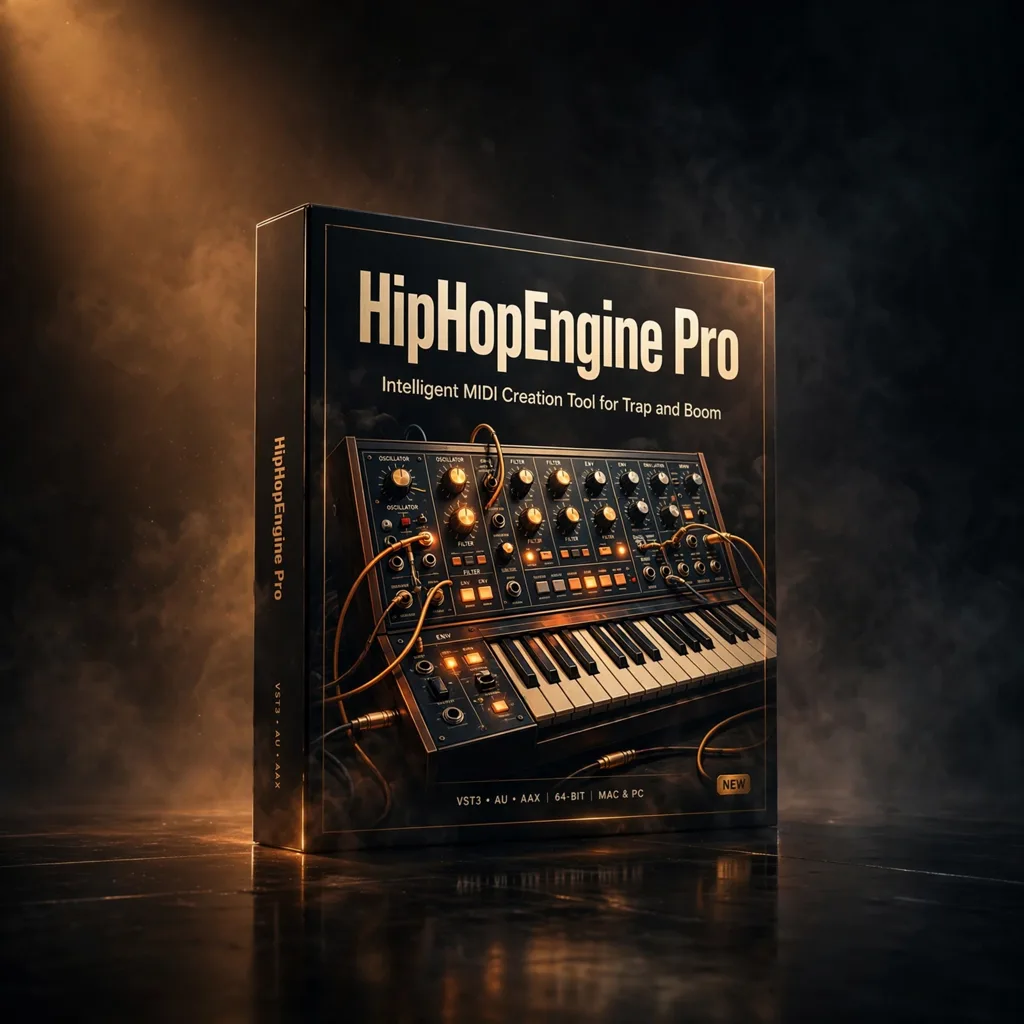


HipHopEngine Pro – Intelligent MIDI Creation Tool for Trap and Boom Bap
€39.99
HipHopEngine Pro generates genre-shaped MIDI melodies, basslines and chord progressions for hip-hop, trap, drill, boom bap and related styles in seconds. Edit everything in your DAW via drag and drop, and use the Pro mass export to build your own MIDI libraries.
Every beat starts somewhere, and for many producers that starting point is the hardest part. HipHopEngine Pro from FeelYourSound is built to remove the blank session by generating MIDI melodies, basslines and chord progressions aimed specifically at hip-hop and its neighbouring genres. Think of it less as an instrument and more as a writing partner for the composer-producer who also has to deliver cues, songs and library tracks to a deadline: it proposes musical material in a genre-aware way, and you keep, edit and arrange what earns its place. Because the output is MIDI rather than audio, nothing is locked in. A generated line can drive a piano, a synth, a sampled string patch or a vocal chop, which makes the tool surprisingly useful beyond beats, including for underscore ideas that need a contemporary pulse.
Genre-Aware Generation, Not Random Notes
The source material stresses that this is not a generic MIDI generator. Presets are tailored for hip-hop, trap, drill, chillhop, boom bap and G-funk, so the rhythms, voicings and melodic tendencies behind the suggestions reflect those styles rather than applying one rule set to everything. You can import a chord progression of your own or generate progressions inside the plugin, then develop melodies and basslines around that harmonic foundation. Customisable parameters let you shape the generated material instead of accepting the first result, and drag-and-drop transfer moves MIDI straight into your DAW for further editing. The Pro edition adds a mass MIDI export feature, intended for building large MIDI libraries quickly, and the source notes that Pro users may sell generated MIDI packs commercially, a distinct use case from simply using the output in your own tracks.
From First Idea to Finished Arrangement
A sensible workflow is to treat the generated material as a sketch performed by a collaborator. Generate several progressions, keep the one whose movement fits the vocal or picture, then audition melodies against it while the drums are muted, so you are judging harmony rather than energy. Basslines can be simplified by hand for a boom bap feel or left busier for trap and drill, and because everything remains MIDI, quantise, velocity and note length stay under your control. For composers building production music, mass export in the Pro version supports a different rhythm of work: generate and curate batches of ideas in one sitting, organise them by key and genre, and draw on that personal library when a brief arrives. Generated MIDI is described as royalty-free for commercial and non-commercial productions, which keeps that workflow straightforward.
Formats, Compatibility and Requirements
HipHopEngine Pro is listed in VST, AU and VST3 formats for macOS and Windows, and it is compatible with major DAWs that support those formats, including FL Studio via VST. The source also confirms compatibility with macOS on Apple Silicon. No library size or Kontakt requirement applies here, since the plugin generates MIDI rather than streaming samples, which keeps it light alongside large orchestral templates. That lightness is part of its appeal in a scoring setup: you can keep it on a writing station or laptop, develop harmonic and melodic material away from your main rig, and bring finished MIDI into the full session later. For producers at any level who write hip-hop, trap, R&B and related styles, it offers a focused way to move from silence to editable, genre-shaped material in seconds rather than starting every track from a single note.
In a busy template, organisation matters as much as sound, so save favourite settings as your own starting points and name them by musical job rather than by preset.
That habit keeps the writing moving when picture changes arrive late, because you are choosing from sounds you already trust instead of auditioning from scratch.
Listen at low level as well as at full monitoring volume, since the details that make a cue feel expensive are often the quiet ones underneath the main line.
Related products
StandardCLIP by SIR Audio Tools — The Clipper That Lets You Tune Its Own Oversampling
Most clippers hide the filtering that decides whether clipping sounds like loudness or like distortion. StandardCLIP exposes it: oversampling up to 256x, linear- or minimum-phase filters you can tune yourself, a variable clip shape, and an assistant that measures your loudest passage and sets safe output gain.
UnFairchild 670M mkII by UnderTone Audio — The Re-Engineered Vari-Mu, Modelled for Your DAW
This is not another stock Fairchild emulation, because the hardware it models is not a stock Fairchild. UnderTone Audio rebuilt the vari-mu concept with variable time constants, an adjustable DC Threshold and switchable detection — and the plug-in adds THD, mix and makeup controls the hardware never had.



Reviews
There are no reviews yet.