
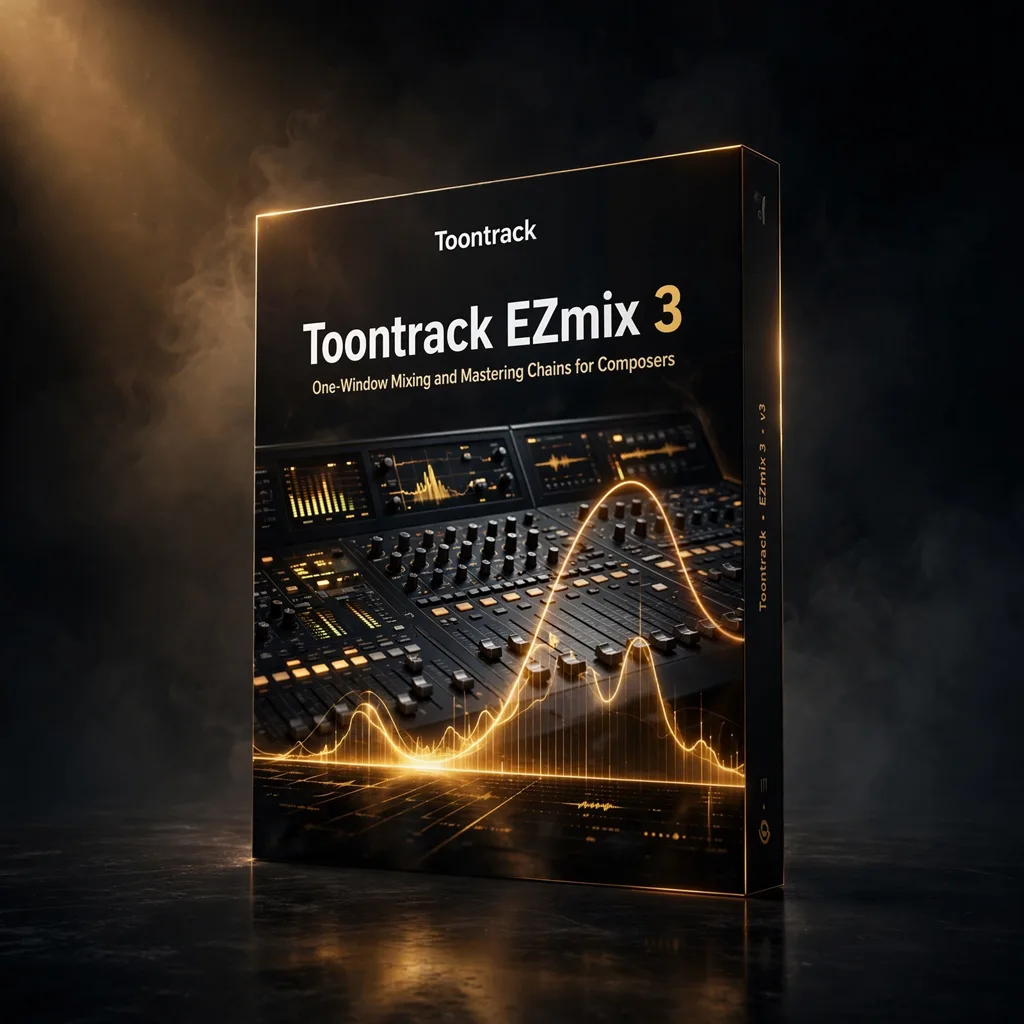


Toontrack EZmix 3 – One-Window Mixing and Mastering Chains for Composers
€29.99
Toontrack EZmix 3 packages complete mixing and mastering chains into a single preset-driven plugin, with more than 1,500 settings for drums, guitars, vocals, synths and full mixes. EQ, compression, reverb, delay and saturation sit behind a deliberately simple interface.
Not every mix decision deserves twenty minutes. When a cue needs its demo to sound convincing for a director, a guitar to sit properly before the next scene can be written, or a master bus to behave before stems are printed, a well-built preset chain is a professional tool, not a shortcut to be ashamed of. EZmix 3 is Toontrack’s answer: a mixing and mastering toolkit that puts complete, engineer-designed signal chains, EQ, compression, reverb, delay, distortion and saturation working together, behind a simple interface with more than 1,500 presets. For composers, whose job is writing and whose mixes are often judged long before a mix engineer sees them, that speed has real value.
Chains Built by Engineers, Chosen by Ear
The preset library covers drums, guitars, vocals, synths and mix-level processing, organised so a searchable browser can take you from problem to candidate solution in seconds. Chains are not locked: you can build personalised combinations, adjust the key parameters and automate changes over time, so a chain can open up in a chorus or tighten under dialogue. Real-time preview means every adjustment is judged by ear immediately. The processing itself aims at the familiar EZ balance of analog warmth and digital precision, and the drag-and-drop workflow removes routing from the equation entirely. Used well, it also teaches: comparing a preset chain against your own settings is a quick education in what experienced engineers actually do to a vocal or a drum bus.
Speed Where Mixing Meets Writing
EZmix 3 fits the composer’s day at three points: on individual tracks while writing, to keep the demo honest; on groups, to give a cue shape before it leaves the studio; and on the mix bus, as a fast reference for how a finished version might feel. Mixing a score is partly translation: what sounded intimate in the studio has to remain clear on a television, a laptop and a cinema system. Work at a sensible monitoring level, check balances with dialogue and effects running, and resist processing that only impresses in solo. Small, purposeful moves usually beat dramatic ones, especially on orchestral material where the recording already carries balance and room. Keep a clear difference between shaping an individual cue element and sweetening the whole mix, document any chain you may need to recall after a picture change, and leave headroom for the dub stage. A cue that arrives organised, balanced and easy to adjust saves time for everyone downstream of the composer.
Compare any new chain against the unprocessed cue at matched level. Louder almost always sounds better for a few seconds; matched listening tells you whether the processing actually helped.
Formats and Requirements
EZmix 3 works with all major DAWs, with Ableton Live, FL Studio, Logic Pro X, Cubase and Pro Tools named in the source material, in VST, AU and AAX formats. It supports 64-bit Windows 7, 8, 10 and 11, and macOS 10.12 to 12.x on Intel and Apple Silicon. Requirements are modest: a multi-core processor is recommended, with at least 4GB of RAM and 8GB or more preferred, and approximately 2GB of free disk space for the full installation. That light footprint means it can live on a writing laptop as happily as on the main rig, ready whenever a sketch needs to become presentable.
A Finishing Tool for Working Writers
Choose EZmix 3 if mixing is a means to an end in your work: getting cues approved, demos believed and productions finished without a second career as an engineer. Specialists will still build chains by hand where it counts; everyone else can let 1,500 starting points do the heavy lifting and spend the saved hour writing the next cue.
A sound that supports the picture without drawing attention to itself is often doing the most sophisticated work of all. Keep notes on the settings you return to, because a personal shortlist develops quickly and speeds up every future session.






Reviews
There are no reviews yet.