
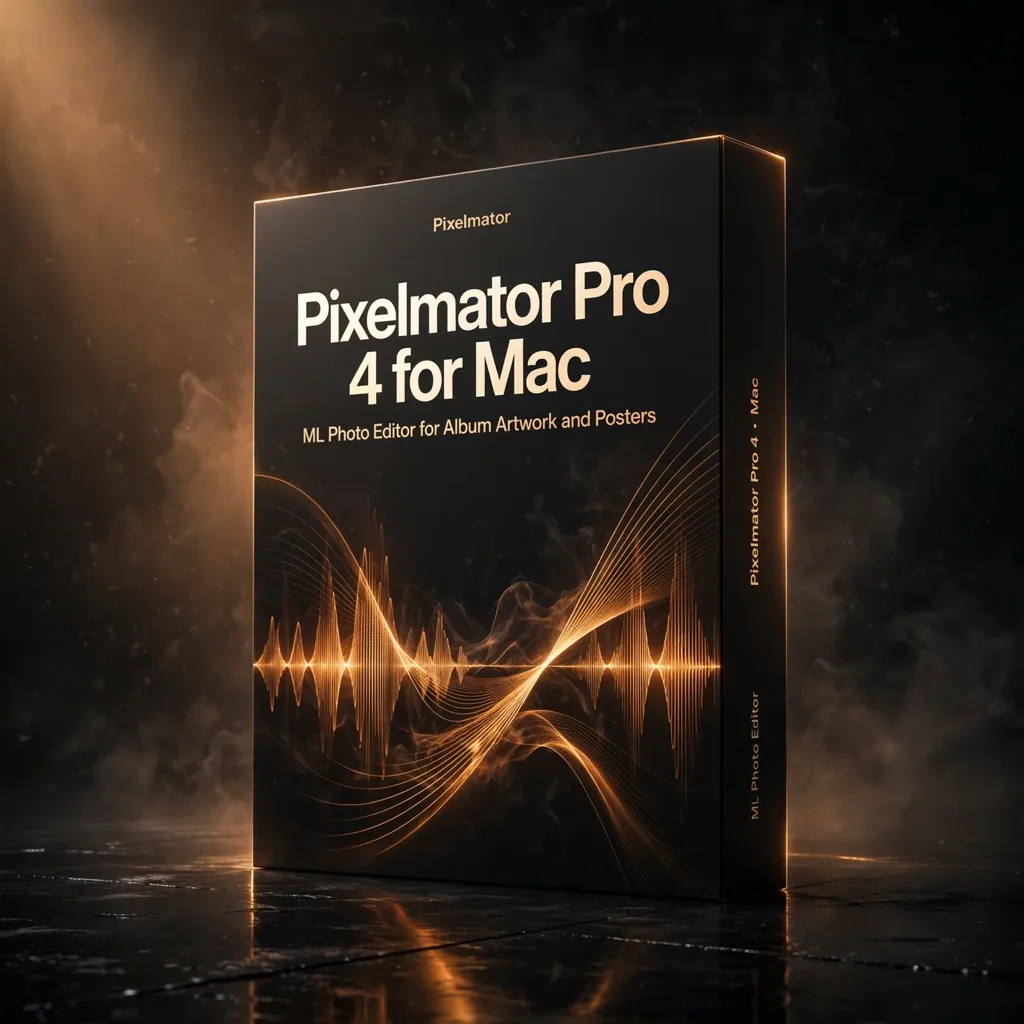


Pixelmator Pro 4 for Mac — ML Photo Editor for Album Artwork and Posters
€29.99
Pixelmator Pro 4 is a Mac-native photo editing and graphic design application powered by machine learning, with a full non-destructive, layer-based workflow. For composers and labels it covers the visual side of a release: album artwork, posters, social graphics and video thumbnails.
A finished score now travels with a small visual campaign: album artwork, a poster, social graphics, thumbnails for the videos. Pixelmator Pro 4 is the Mac application built to produce all of it without a subscription. It combines professional photo editing and graphic design in a native macOS interface, accelerated by machine learning and by Apple Silicon, and it does so as a one-time purchase — a complete creative toolkit at a fraction of the cost of subscription alternatives.
Machine Learning That Removes the Drudgery
The ML toolset handles the tasks that used to consume an afternoon. ML Super Resolution enlarges images intelligently, ML Denoise cleans high-ISO photography, ML Enhance balances a shot in one pass, and intelligent subject selection isolates a figure from its background for compositing. AI-powered retouching tools — Repair, Clone Stamp, Lighten, Darken and Sharpen brushes — handle the detailed work, so cleaning a location photograph for a poster or rescuing a live performance shot becomes a matter of minutes.
Underneath the automation sits a proper professional workflow. Editing is fully layer-based and non-destructive, with real-time previews of every adjustment, so any decision can be revisited when the artwork brief changes — as artwork briefs do. Colour work is comprehensive: curves, levels, hue and saturation, colour balance and custom LUT support for grading stills to match a film’s look. Typography is treated as a first-class citizen, with extensive font controls, text styles and advanced character formatting for titles, credits and billing blocks.
Vector, Raster and Batch in One Document
Pixelmator Pro 4 combines vector shapes and paths with raster photo editing in a single document, which suits the hybrid nature of music artwork: a photographic background, a vector logo, typeset credits and a texture layer, all in one file. Batch processing automates repetitive work across entire photo libraries — resizing a full set of publicity stills, applying a consistent grade, exporting every format a distributor requests — through powerful scripting and batch editing.
File support is extensive, opening and exporting PSD, TIFF, HEIC, JPEG, PNG, WebP, PDF and many more professional formats, so files move cleanly between photographers, designers and printers. Performance comes from deep macOS integration: the application is built with Apple’s native frameworks, using Metal GPU acceleration and the Neural Engine for machine learning tasks, and it runs natively on Apple Silicon M-series chips as well as Intel Macs. The interface follows the current macOS design language, so it feels at home on the machine rather than ported to it.
Facts and Compatibility
Pixelmator Pro 4 requires macOS 13.0 Ventura or later and runs natively on Apple Silicon M1, M2, M3 and M4 and on Intel Macs. Documented features include ML Super Resolution, ML Denoise and ML Enhance, intelligent subject selection, non-destructive layer-based editing, professional colour tools with LUT support, complete typography, combined vector and raster editing, AI retouching brushes and batch processing. It is supplied as a one-time purchase with instant delivery of licence and application download. For the composer building a release alone, or the small label team doing its own artwork, it is the professional option that respects both the work and the budget.
In practice, most music teams will live in a handful of repeatable jobs: the key artwork, a square social crop, a story-format teaser, a poster with billing, and thumbnails that stay legible at phone size. Pixelmator Pro 4 suits that rhythm because documents, layers and exports are fast to duplicate and revise, and the non-destructive workflow means last-minute credit changes or a swapped photograph do not force a rebuild. For independent releases especially, where the composer is also the art department, that speed is the difference between artwork that ships on time and artwork that ships apologetically.
Related products

Legend Channel by PAA Audio — One British-Style Strip for Vocal, Strings and Rhythm Tracks
Legend Channel puts an entire British console channel into one window: a transformer-driven mic and line preamp, filters, a four-band EQ, a compressor and a gate/expander. For a composer mixing their own cues, that is the whole track chain — colour, shape and control — without stacking five plug-ins.






Reviews
There are no reviews yet.