
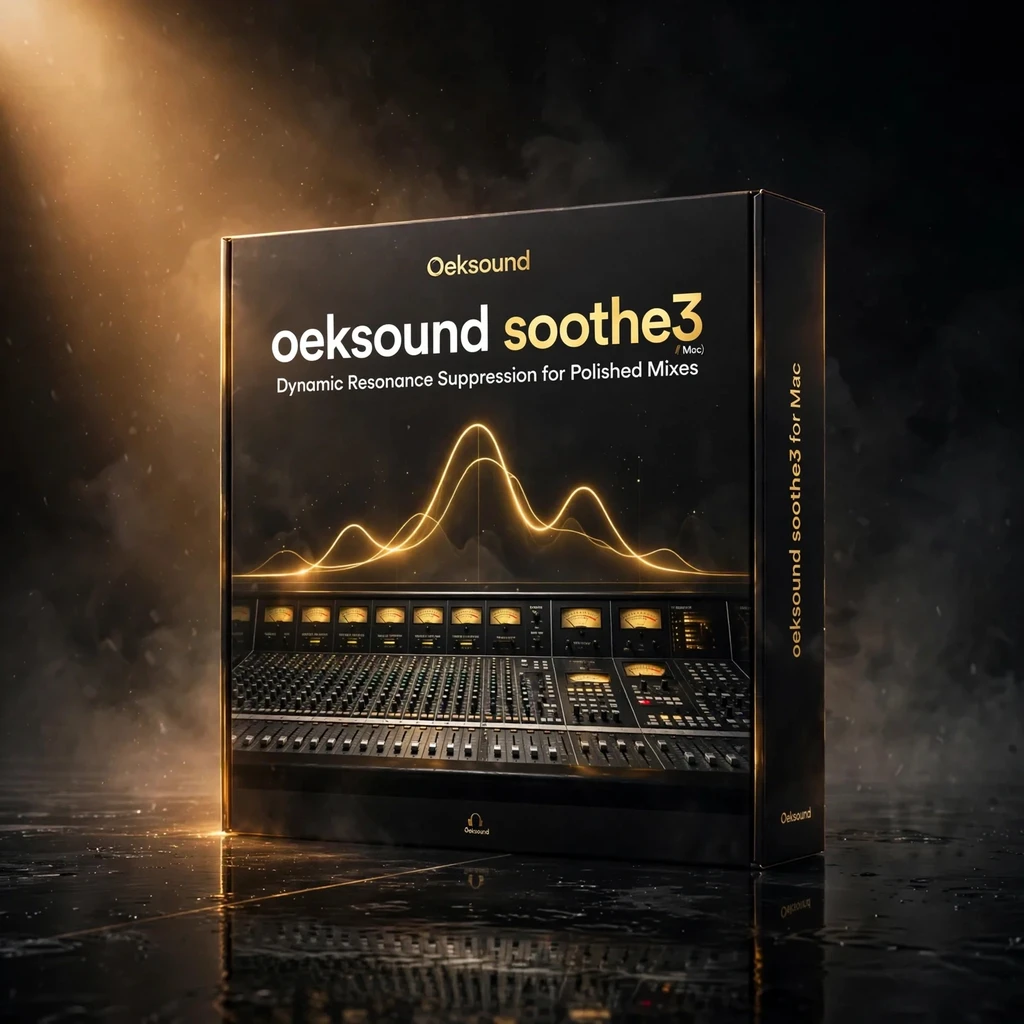


oeksound soothe3 for Mac – Dynamic Resonance Suppression for Cleaner Mixes
Original price was: €249.00.€79.99Current price is: €79.99.
oeksound soothe3 mac is a dynamic resonance suppressor for Mac that finds harsh, ringing frequencies in real time and tames only those peaks, leaving the rest of your tone untouched. With Soft and Hard modes, low-latency tracking, multichannel support up to 9.1.6, and a Detail knob for fine control, it keeps vocals, instruments, and full mixes clear, smooth, and musical.
oeksound soothe3 mac is a dynamic resonance suppressor built for Mac producers and mix engineers who want harshness gone without losing the life of a recording. Instead of cutting fixed bands with a static EQ, it listens in real time, finds the frequencies that flare up moment by moment, and pulls only those peaks back. The result is a vocal that stays present, a guitar that stays warm, and a mix bus that stays open — just smoother, cleaner, and easier to listen to for longer.
Harshness rarely sits still. A sibilant syllable, a ringing room tone, or a cymbal that suddenly bites can appear for a fraction of a second and then vanish. A fixed EQ cut would dull the whole performance to tame those moments. oeksound soothe3 mac takes a different path: it tracks the spectrum continuously and applies reduction only where, and only when, a resonance becomes a problem. Everything else passes through untouched, so the tone you recorded is the tone you keep.
What oeksound soothe3 mac does in your mix
At its core, oeksound soothe3 mac is a self-adjusting resonance suppressor. You set a target curve, and the plug-in compares the incoming signal against it, reducing energy that rises above the curve in narrow, moving bands. It is equally at home on a single voice, a strummed acoustic, a harsh synth lead, or a full mix bus that needs a final polish before mastering.
Use it to tame sibilance without a separate de-esser, to calm the brittle edge of an over-bright microphone, to smooth a roomy recording, or to keep a dense arrangement from turning fatiguing at volume. Because the processing follows the signal, you can use it gently across a whole track rather than automating a dozen EQ moves by hand.
Soft and Hard modes for different sources
oeksound soothe3 mac offers two distinct characters, so you can match the processing to the material. Soft mode is the transparent choice: it works in a broad, gentle way that suits vocals, acoustic instruments, and full mixes where you want the problem solved without anyone noticing a plug-in was involved. Hard mode is more focused and assertive, digging into stubborn resonances on synths, distorted guitars, and harsh sources that need firmer handling.
Switching modes is a creative decision, not a compromise. Start in Soft mode for anything exposed or delicate, and move to Hard mode when a source keeps fighting back. Both modes share the same simple workflow, so you can compare them in seconds and keep the one that serves the song.
Low-latency tracking for recording and live use
A resonance suppressor is most useful when you can hear it while you work, and oeksound soothe3 mac is built for that. Its low-latency tracking mode keeps delay short enough to use while recording, monitoring through the plug-in, or performing live, so you can make confident decisions in the moment instead of guessing and checking after the take.
That low latency also makes it practical on a mix bus during a session. You can ride the depth, shape the target curve, and hear the mix open up in real time, without the sluggish feel that forces you to work in stops and starts.
Multichannel support up to 9.1.6
Modern mixes are not always stereo, and oeksound soothe3 mac is ready for the wider formats. It supports multichannel operation up to 9.1.6, so the same resonance control you rely on for a stereo vocal can be applied to immersive and surround sessions. Harshness in a single surround channel, or across a bed of channels, can be tamed consistently, keeping the spatial image stable while the tone stays smooth.
For film, game, and immersive music work, that matters. A resonance that jumps out of one speaker can break the illusion of a whole scene, and oeksound soothe3 mac lets you address it without rebuilding the mix around a workaround.
The Detail knob: finer control over what gets tamed
The Detail knob is where oeksound soothe3 mac lets you fine-tune its judgement. Turn it up to focus the processing on sharper, more precisely defined resonances, and turn it down for a broader, more forgiving response that catches wider problem areas. It is a single control with a clear effect, and it is the fastest way to move from a good result to exactly the result you had in mind.
Combined with the depth, sharpness, and selectivity controls, the Detail knob gives you a full palette: gentle smoothing for a finished master, or precise surgical work on a troublesome track. Small moves make a real difference, so it rewards listening rather than sweeping controls to extremes.
Mac compatibility, formats, and activation
oeksound soothe3 mac runs on macOS 10.14 through macOS 27, in VST3, AU, and AAX formats, so it fits into Logic Pro, Pro Tools, Ableton Live, Cubase, Studio One, and other major Mac DAWs. It runs natively on Apple Silicon Macs as well as Intel Macs, so you get full performance on modern machines without relying on Rosetta.
Activation requires an iLok account, with a free iLok License Manager. Please check that you have an iLok account ready before you install, so activation goes smoothly on your first session.
Who oeksound soothe3 mac is for
If you mix vocals, produce electronic music, record acoustic instruments, or finish your own masters, oeksound soothe3 mac earns its place in your template. It is the plug-in you reach for when a track is almost right but a few frequencies keep pulling the listener out of the song. It also belongs in the Mixing & Mastering toolkit of any Mac studio that wants cleaner mixes without longer sessions.
Learn more about the developer at the oeksound website. After checkout, your Mac download will appear in your account here at KontaktLibrary, ready to install and activate with your iLok account.
Related products




StandardCLIP by SIR Audio Tools — The Clipper That Lets You Tune Its Own Oversampling
Most clippers hide the filtering that decides whether clipping sounds like loudness or like distortion. StandardCLIP exposes it: oversampling up to 256x, linear- or minimum-phase filters you can tune yourself, a variable clip shape, and an assistant that measures your loudest passage and sets safe output gain.




Reviews
There are no reviews yet.