
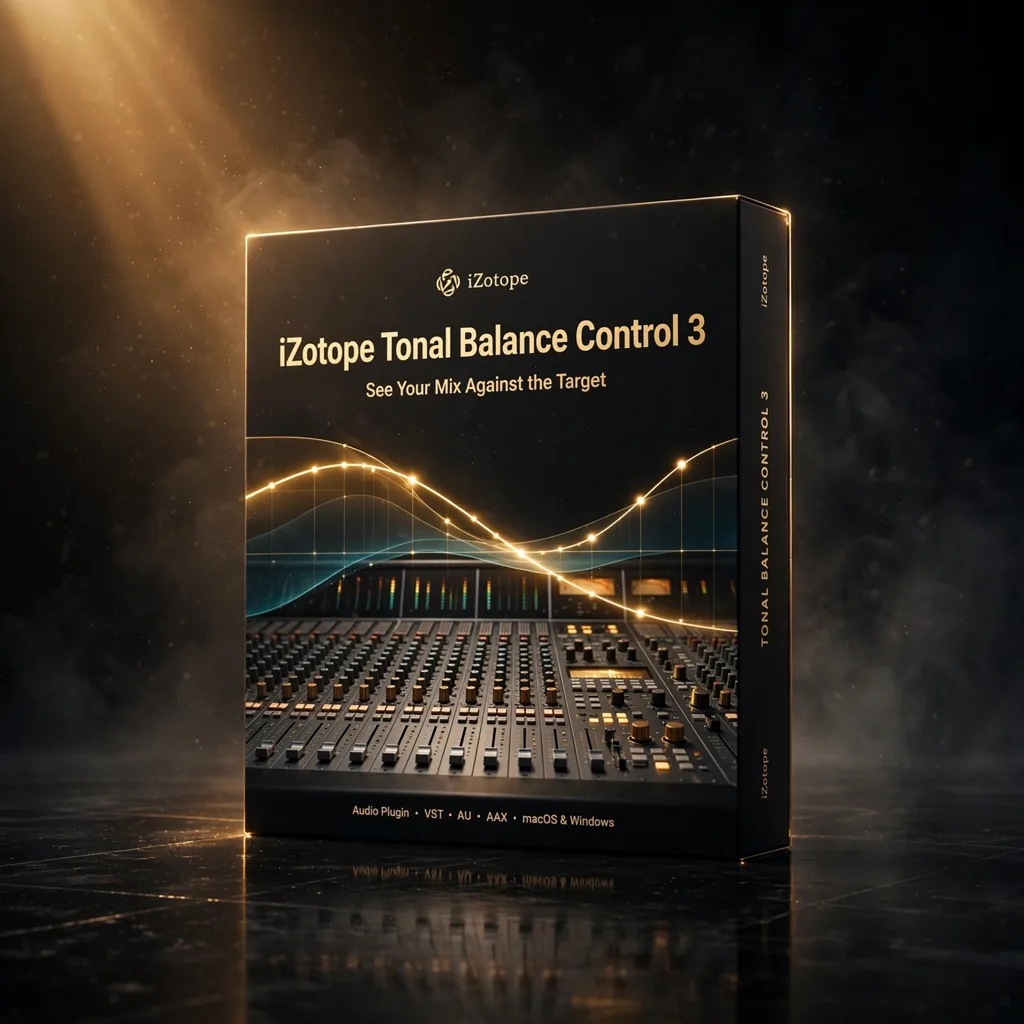

iZotope Tonal Balance Control 3 — See Your Mix Against the Target
€39.99
iZotope Tonal Balance Control 3 shows your mix’s tonal balance against genre-specific and custom reference target curves in real time. With Mid/Side analysis and direct control of connected Ozone and Neutron plugins, it takes the guesswork out of translation.
A mix can measure well and still be wrong. iZotope Tonal Balance Control 3 addresses the gap between metering and judgement by showing you the tonal balance of your mix against reference targets, visually and continuously, so decisions about low end, midrange clutter and top-end harshness are made with evidence. It is a professional referencing and analysis plugin for Mac and Windows, used in top studios, and designed to ensure that music translates across playback systems — studio monitors, earbuds, car speakers and club systems alike.
Target Curves: Genres, and Your Own References
The broadband frequency display provides real-time spectral analysis across the full audible range, against which reference target curves can be compared. Genre-specific curves cover styles including pop, rock, hip-hop and classical, giving an immediate sense of whether a mix’s overall shape sits where its genre expects it to sit. Custom references go further: import your own reference tracks and create target curves from commercial releases, so an album, a score or a series can be balanced against the specific records it will be judged beside. Stereo and Mid-Side analysis views support deeper inspection of the stereo field, and adjustable temporal smoothing reveals both long-term tonal trends and short transient peaks.
Connected to the iZotope Ecosystem
Tonal Balance Control 3 is more than a display. Through iZotope’s inter-plugin communication, it can directly control and adjust connected iZotope plugins — Ozone, Neutron, Nectar and Relay — from one interface, so when the display shows the low mids building up, the EQ that fixes it can be adjusted in the same window rather than hunted down across the session. Mixing and mastering modes optimize the display for each stage of work. In practice, the plugin earns its place as a final quality check on the master bus before delivery, as an always-on reference during mixing, and as a diagnostic tool when evaluating reference tracks at the start of a project — establishing the target before the first fader moves.
Translation: The Problem It Solves
Mix translation is the oldest frustration in the craft: the low end that was controlled in the studio and overwhelming in the car, the vocal that was present on monitors and buried on earbuds. An objective visual reference, present at all times, interrupts that cycle. Issues are revealed instantly, before they become problems on other systems, and corrections are made against a target rather than a memory of how the reference sounded yesterday. For composers delivering cues that will be heard on televisions, laptops and cinema systems from the same master, that objectivity is not a luxury. It is how a mix stays the mix, wherever it is played.
Used well, the plugin also changes when tonal problems get fixed. Without a reference display, balance issues are usually discovered at the end — in the car check, on the client’s speakers, in the mastering session — when changes are expensive and confidence is low. With the target always in view, the same issues surface while the arrangement is still open, when moving a part or cutting a frequency costs nothing. That shift from late discovery to early evidence is the real product here: not a prettier meter, but a shorter distance between making a mix and knowing, demonstrably, that it will travel.
In short, it earns its place on merit: the specification is focused, the working method is clear, and the results are the kind that hold up when a cue leaves the studio and meets the real world of speakers, deadlines and listeners.
Compatibility and Requirements
Tonal Balance Control 3 supports VST3, AU and AAX formats and runs on macOS 10.15 and later and Windows 10 and later. It is compatible with Pro Tools, Ableton Live, Logic Pro, FL Studio, Cubase, Studio One and other major DAWs, and its deepest value appears in studios already using the iZotope ecosystem of Ozone and Neutron. Delivery is by instant download. If your mixes are good in your room and unpredictable everywhere else, this is the reference target that makes the rest of the world visible from your chair.
Related products
StandardCLIP by SIR Audio Tools — The Clipper That Lets You Tune Its Own Oversampling
Most clippers hide the filtering that decides whether clipping sounds like loudness or like distortion. StandardCLIP exposes it: oversampling up to 256x, linear- or minimum-phase filters you can tune yourself, a variable clip shape, and an assistant that measures your loudest passage and sets safe output gain.

Legend Channel by PAA Audio — One British-Style Strip for Vocal, Strings and Rhythm Tracks
Legend Channel puts an entire British console channel into one window: a transformer-driven mic and line preamp, filters, a four-band EQ, a compressor and a gate/expander. For a composer mixing their own cues, that is the whole track chain — colour, shape and control — without stacking five plug-ins.





Reviews
There are no reviews yet.