
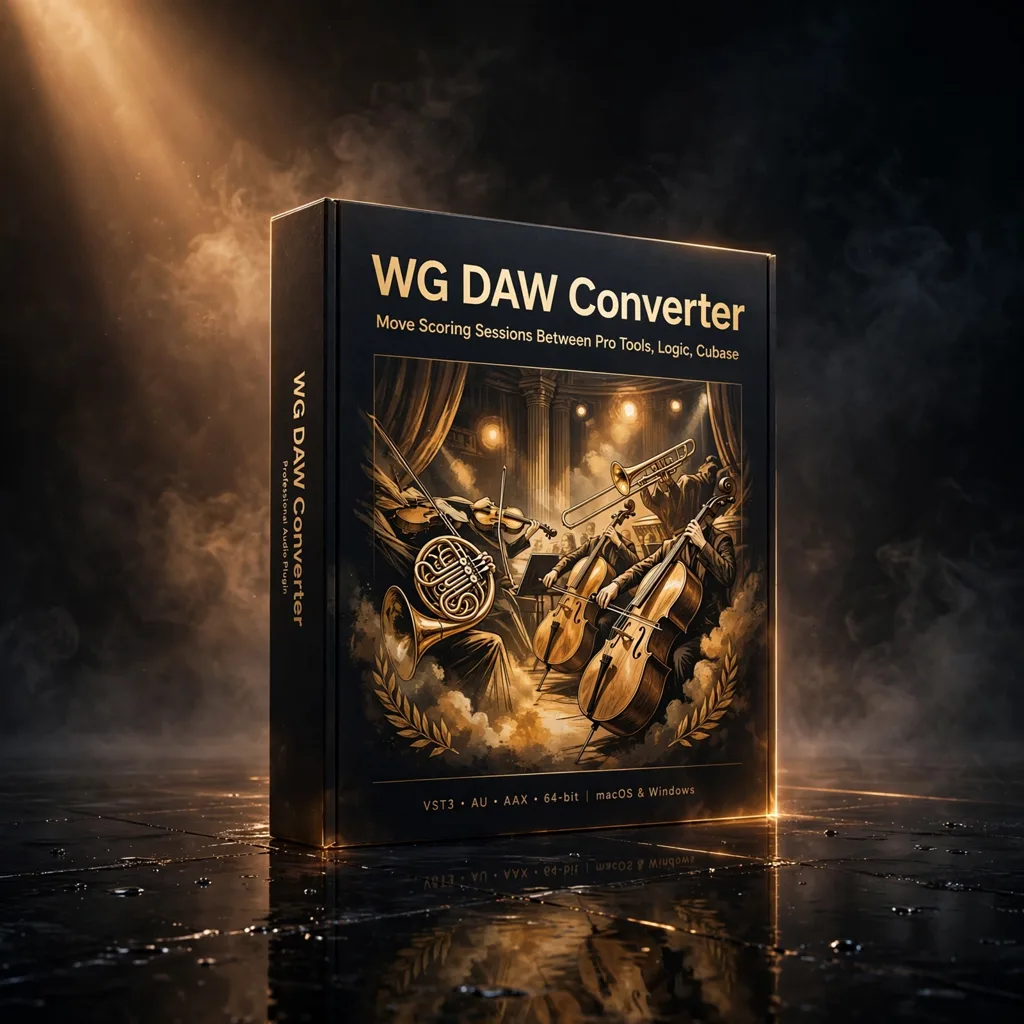

WG DAW Converter — Move Scoring Sessions Between Pro Tools, Logic, Cubase and More
Original price was: €49.99.€29.99Current price is: €29.99.
Composers rarely choose which DAW a session arrives in — the director’s editor, the orchestrator and the mix room all work differently. WG DAW Converter reads projects from eleven sources and rebuilds them for your own DAW, keeping track names, clip positions, markers and tempo maps intact.
Scoring work is collaborative by nature, and collaboration rarely happens inside one program. The picture editor’s temp session may live in Pro Tools, the orchestrator may deliver from Cubase, a co-composer may write in Logic Pro or Ableton Live — and your room runs something else entirely. WG DAW Converter exists for that handover. It is a dedicated daw project converter that reads session files directly and rebuilds them in a format another DAW can open, without the original program needing to be installed on your machine at all.
Reads the Session, Not a Stem Print
Because the converter parses the session file itself, the organisational intelligence of a project survives the move. Track names, clip positions, markers and tempo maps are preserved, so a converted cue arrives as an arrangement you can keep working on, not a folder of disconnected audio that has to be rebuilt by ear. Supported reading covers Pro Tools in PTX, PTF and PTS form, Studio One 7 songs, Ableton Live 12 sets, Logic Pro 10, 11 and 12 projects, Cubase files from every generation back to Cubase VST, Nuendo projects from version 1.x through 15, plus FL Studio, REAPER and Adobe Audition sessions, and the OMF and AAF interchange formats.
That breadth matters most with archives. Studios accumulate years of cues written in programs they no longer maintain; a converter that opens the file directly offers a route back into that material without keeping every legacy DAW alive indefinitely.
Exporting for the Next Room Down the Line
Once a project is loaded, export options include AAF, OMF, DAWproject, and native files for Ableton Live, REAPER and Adobe Audition. When a full project conversion is not the right answer — a mix room that simply wants reliable audio, for instance — aligned per-track WAV files provide a clean fallback in which every track starts from the same point. MP3 export is also available for a quick reference or preview. For a composer sending cues onward to a scoring mixer, or receiving a collaborator’s session mid-production, choosing the right export per destination is the whole workflow, and it happens in one place.
Facts, Limits and Compatibility
One honest boundary is worth stating: converting session structure is not the same as converting instruments and effects. Proprietary plug-ins, built-in instruments and DAW-specific features cannot always be reproduced identically in a different host, so converted projects should be checked after the move. What the converter does carry across — supported session structure, timing and audio information, together with names, markers and tempo — is precisely the tedious, error-prone part of manual migration. For producers changing DAWs, studios receiving projects from several platforms, post-production teams and anyone rescuing older sessions, that is the work worth automating.
A sensible working habit after any conversion is to open the rebuilt session and spot-check it before creative work begins: audition the first and last markers, confirm the tempo map against the original at a handful of bar numbers, and check that clip positions line up where picture edits or arrangement changes occur. That ten-minute discipline protects the hours the converter has saved. It is also worth deciding, project by project, which destination format serves the next collaborator best — a native project file when they will keep editing, AAF or OMF when they work in a post-production pipeline, DAWproject where that interchange route is supported, and aligned WAV files when maximum simplicity is the priority. Composers juggling a co-writer in one DAW, an orchestrator in another and a mix room in a third can standardise on the converter as the single translation point, instead of maintaining a different manual export routine, and a different set of mistakes, for every collaborator on every cue.





Reviews
There are no reviews yet.