
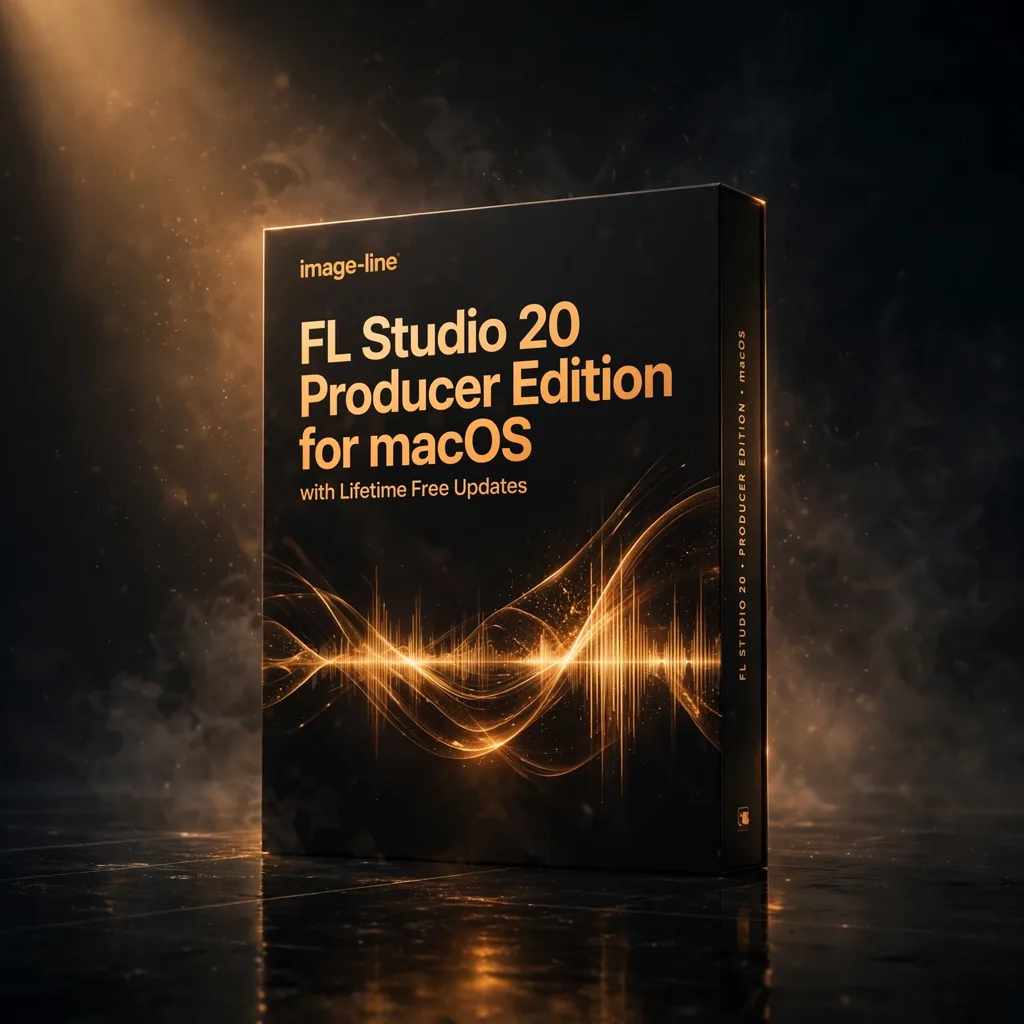
FL Studio 20 Producer Edition for macOS with Lifetime Free Updates
€39.97
The first official FL Studio for macOS, in Producer Edition form, with lifetime free updates and a deep stock plugin suite including Gross Beat, Sytrus, Harmless and Maximus. One licence covers both macOS and Windows.
The FL Workflow, Native on Mac at Last
FL Studio 20 Producer Edition holds a specific place in DAW history: it was the first official macOS version of Image-Line’s long-running production environment. For composers and producers who work on Mac but think in FL’s pattern-and-playlist language, that milestone removed a long-standing compromise. This edition brings the familiar workflow — fast sequencing, drag-and-drop handling of audio, MIDI and plugins, and a mixer built for flexible routing — to macOS without cutting the feature set down to a lite version. It is presented here as a composer’s toolkit staple for beat-driven and electronic writing.
The Producer Edition sits at the serious end of the range, and its bundled instruments and effects explain why. Gross Beat, Sytrus, Harmless and Maximus are named in the source material, covering time and volume manipulation, FM synthesis, additive synthesis and mastering-grade dynamics respectively. Add time-stretching, pitch shifting and advanced mixer routing, and a single installation covers composition, sound design and finishing. Full MIDI controller support means external hardware integrates into the sequencing workflow rather than sitting beside it, which matters when you write at a keyboard or perform parts in.
What Version 20 Brought to the Arrangement
Beyond macOS support itself, version 20 introduced arrangement tools that suit longer-form writing. Time signature changes allow advanced arrangement flexibility, so a cue that moves between metres is no longer a workaround. Playlist arrangements let you create multiple versions of the same project — a full mix, a short edit, an underscore variant — inside one session, a habit film and game composers will recognise immediately. Improved automation clips give smoother, more precise parameter control, and the enhanced mixer workflow improves routing and grouping for larger sessions with many layered parts.
Lifetime free updates are the other headline, and they change the economics of ownership. The listing states plainly that you pay once and receive all future updates at no extra cost, and that one licence works on both macOS and Windows. For a working studio that is a meaningful fact: the same environment follows you between a Mac writing room and a Windows machine without a second purchase, and the software keeps evolving without subscription pressure. Composers building a long-term template around FL can commit to it knowing the platform will not be paywalled away from them next year.
From Beat Sketch to Scored Sequence
In practice, FL Studio 20 suits the front end of production particularly well. Patterns come together quickly, MIDI sequencing is direct, and the drag-and-drop workflow keeps experimentation cheap — try the variation, keep it if it earns its place. That speed is why the DAW is associated with beat making, but the Producer Edition tools extend well beyond loops. Record vocals, arrange full songs, route complex mixer chains and finish with Maximus on the master, all without leaving the session. For hybrid scoring, lay electronic foundations in FL, then export audio or MIDI into your orchestral template elsewhere.
Navigation is approachable for newcomers yet deep enough for professionals, which is a difficult balance the source material emphasises through its intuitive controls. Beginners get a DAW they can grow into rather than outgrow; experienced producers get the sequencing speed they already know, now on their Mac. Support for formats including VST and AU, plus WAV, MP3, FLAC and MIDI for file exchange, keeps collaboration straightforward with studios running other software. If your writing centres on rhythm, pattern and rapid iteration, Producer Edition is the version designed to carry a project from first idea to finished master.
Technical Requirements to Check First
The listed system requirements are modest. macOS 10.11 El Capitan or later is the stated operating system floor, with an Intel Core i5 or better processor; Apple Silicon machines are supported via Rosetta, with newer updates providing enhanced support according to the source FAQ. Memory is listed at 4GB minimum with 8GB or more recommended, and storage at 4GB of free space. Those figures make installation feasible on older writing laptops as well as current studio machines, though larger sample libraries of your own will naturally ask for more of everything.




Reviews
There are no reviews yet.